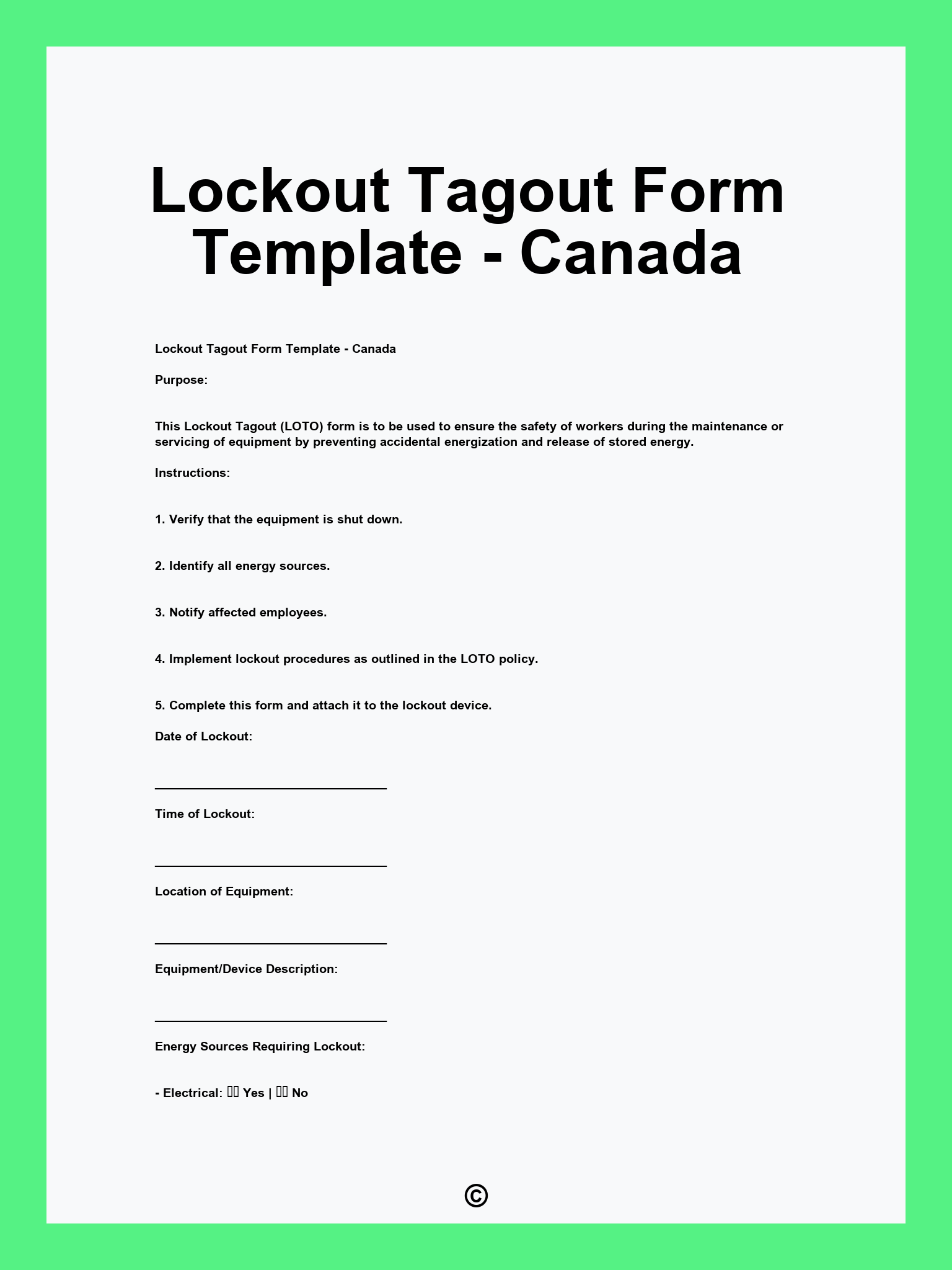
The Lockout Tagout Form Template – Canada is offered in multiple formats, including PDF, Word, and Google Docs. Each format is both customizable and ready for printing, ensuring that you can easily utilize them as per your requirements.
Lockout Tagout Form Template – Canada Editable – PrintableSample
1. Facility Information 2. Purpose of Lockout/Tagout 3. Equipment to be Locked Out 4. Energy Sources 5. Lockout/Tagout Devices Used 6. Authorized Employees 7. Steps to Shutdown Equipment 8. Verification of Isolation 9. Return to Service Procedures 10. Signature of Authorized Employee 11. Supervisor Acknowledgment
PDF
WORD
Examples
[Facility Name]
[Facility Address]
[Contact Person]
[Date of Lockout]
[Name of Equipment or Process]
[List of Lockout Devices]
1. [Employee Name 1] – [Employee ID 1] – [Role 1]
2. [Employee Name 2] – [Employee ID 2] – [Role 2]
3. [Employee Name 3] – [Employee ID 3] – [Role 3]
1. Notify all affected employees.
2. Shut down the equipment following operational procedures.
3. Isolate the energy sources.
4. Apply lockout devices to energy isolating devices and tag them.
5. Ensure the equipment is not able to operate by attempting to start it.6. Conduct a verification process to confirm isolation.
1. Ensure all personnel are clear of the energy zone.
2. Remove the lockout devices and tags.
3. Restore energy to the equipment.
4. Notify affected employees that the equipment is back in service.
[Employee Name 1] – [Signature] – [Date]
[Employee Name 2] – [Signature] – [Date]
[Authorized Person] – [Signature] – [Date]
[Facility Name]
[Facility Address]
[Contact Person]
[Date of Lockout]
[Name of Equipment or Process]
[List of Lockout Devices]
1. [Employee Name 1] – [Employee ID 1] – [Role 1]
2. [Employee Name 2] – [Employee ID 2] – [Role 2]
3. [Employee Name 3] – [Employee ID 3] – [Role 3]
1. Notify all affected employees.
2. Shut down the machinery following the proper procedure.
3. Disconnect and isolate all sources of energy (including electrical, hydraulic, and pneumatic).
4. Physically lock out each energy isolating device with an appropriate lock and attach a tag.
5. Test the equipment to ensure it is inoperable by attempting to operate it.
6. Document the lockout on this form.
1. Ensure no one is in danger.
2. Remove all tools and materials from the area.
3. Remove lockout devices and tags in accordance with policies.
4. Make a final safety check before restoring energy.
5. Notify all personnel that the equipment is back in operation.
[Employee Name 1] – [Signature] – [Date]
[Employee Name 2] – [Signature] – [Date]
[Authorized Person] – [Signature] – [Date]
Printable